Samsung Digital Door Lock has become a mainstream choice for new buildings and renovations in Hong Kong with its stylish design and convenience. However, digital locks always rely on electricity and electronic components, and it often happens that the door cannot be opened suddenly - most of them are not broken, but because the battery is dead, the lock is locked, or the setting is wrong. As long as you master the correct steps, many problems can be solved instantly without having to hire a locksmith to help.
Keep calm and follow the following steps to check. If you have a chance, you can open the door yourself without waiting for the master.
| Fault phenomenon | Possible reasons | Self-rescue/maintenance suggestions |
|---|---|---|
| No sound or lights at all, the panel is completely black | Battery exhausted/locked | Prioritize using the emergency key to open the door directly
If you don’t have a key, please use a 9V battery or urine bag to provide emergency power to open the door, and replace the battery with a new one after entering the house. |
| Display battery indicator light | The battery is extremely low and the motor cannot push the square latch | Prioritize using the emergency key to open the door directly
If you don’t have a key, please use a 9V battery or urine bag to provide emergency power to open the door, and replace the battery with a new one after entering the house. |
| displays "UNLOCK" but fails to open the door | The slope becomes softer. | cannot handle it by yourself, please contact 101 to unlock the door |
| After entering the password, "TRY AGAIN" is displayed | Wrong password or dirty sensor panel | Please enter the correct password/use emergency key |
| "TRY AGAIN" is displayed after using the key card | Keycard not registered | Please use a registered key card/use an emergency key |
| "TRY AGAIN" is displayed after using fingerprint | Handprints or sensor panel is dirty | Please use password, registered key card/use emergency key |
| The door key cannot be twisted/inserted | The thin key barrel is displaced or blocked by foreign matter | Shake the key gently without violence; if it still cannot be inserted, please contact 101 Locksmith for help. |
| Indoor anti-locking system fails / cannot be anti-locked | The internal mechanical structure is stuck | Try to pull the door panel and twist the lock at the same time. If the problem cannot be solved, the lock body needs to be disassembled and inspected. |
| It will not automatically lock after closing the door | Turn off the left natural locking function | Open the battery cover and adjust the A/M button to the A position |
| Frequent low battery warnings (no power after a month or two of battery replacement) | Battery quality is poor or there is a problem with the bottom plate | Use Energizer alkaline batteries; if it still consumes power quickly, it means there is a problem with the base plate and needs to be repaired/lock replaced |
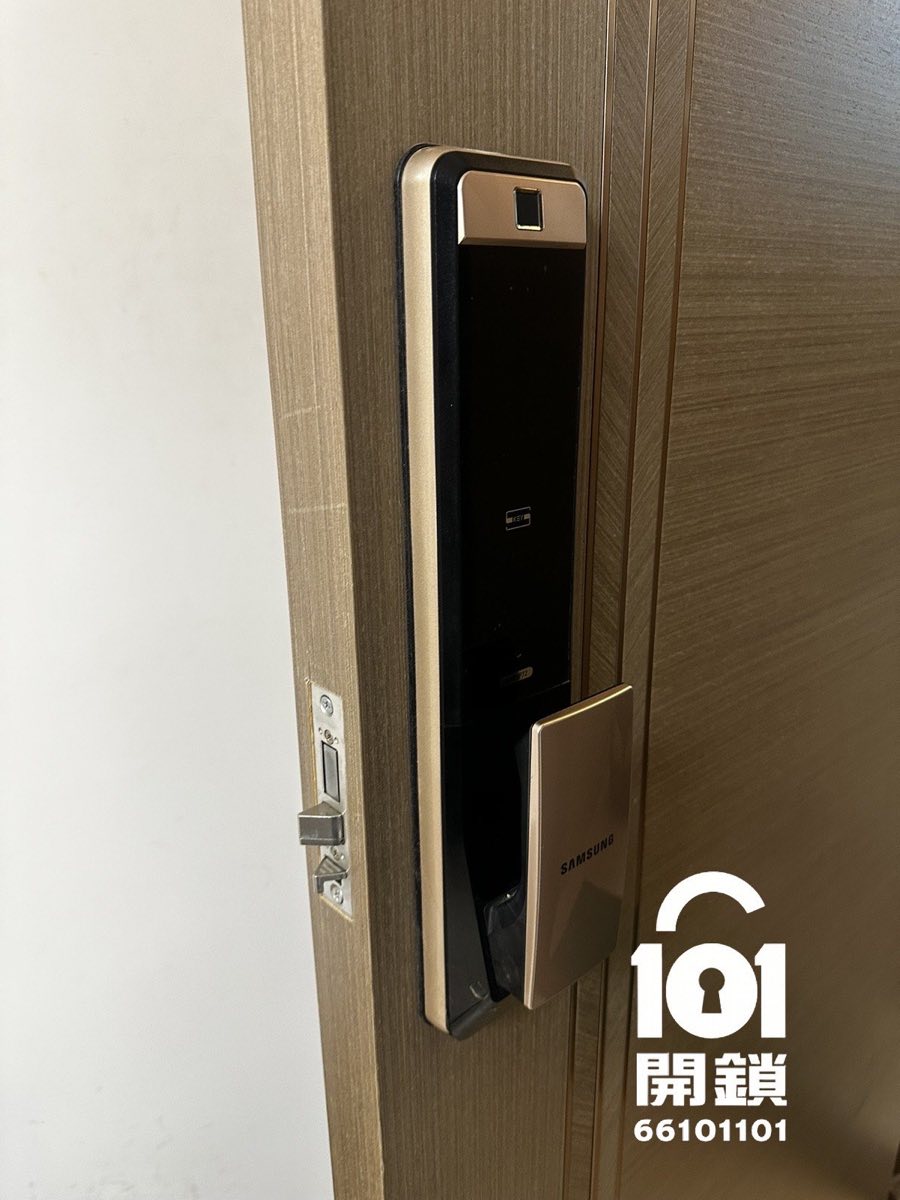
We are familiar with the full range of Samsung digital locks (DP series, P series, SHP series) and can provide quick door-to-door repair, lock opening and replacement services. In most cases, the lock can be unlocked without damaging the door body. 24-hour emergency support to solve problems on the same day.
Hong Kong general agent PLC Group:Samsung digital lock service hotline:27659667 / Technical support hotline:23306979。
If you need emergency lock opening or repair, 101 Locksmith provides 24-hour support and can arrive in half an hour at the earliest.
Have any questions? Contact a specialist immediately for answers